Create a practice or class test
Set a test on the lessons you have taught, with its answer key, then read it through and print it.
1. Choose the kind of test
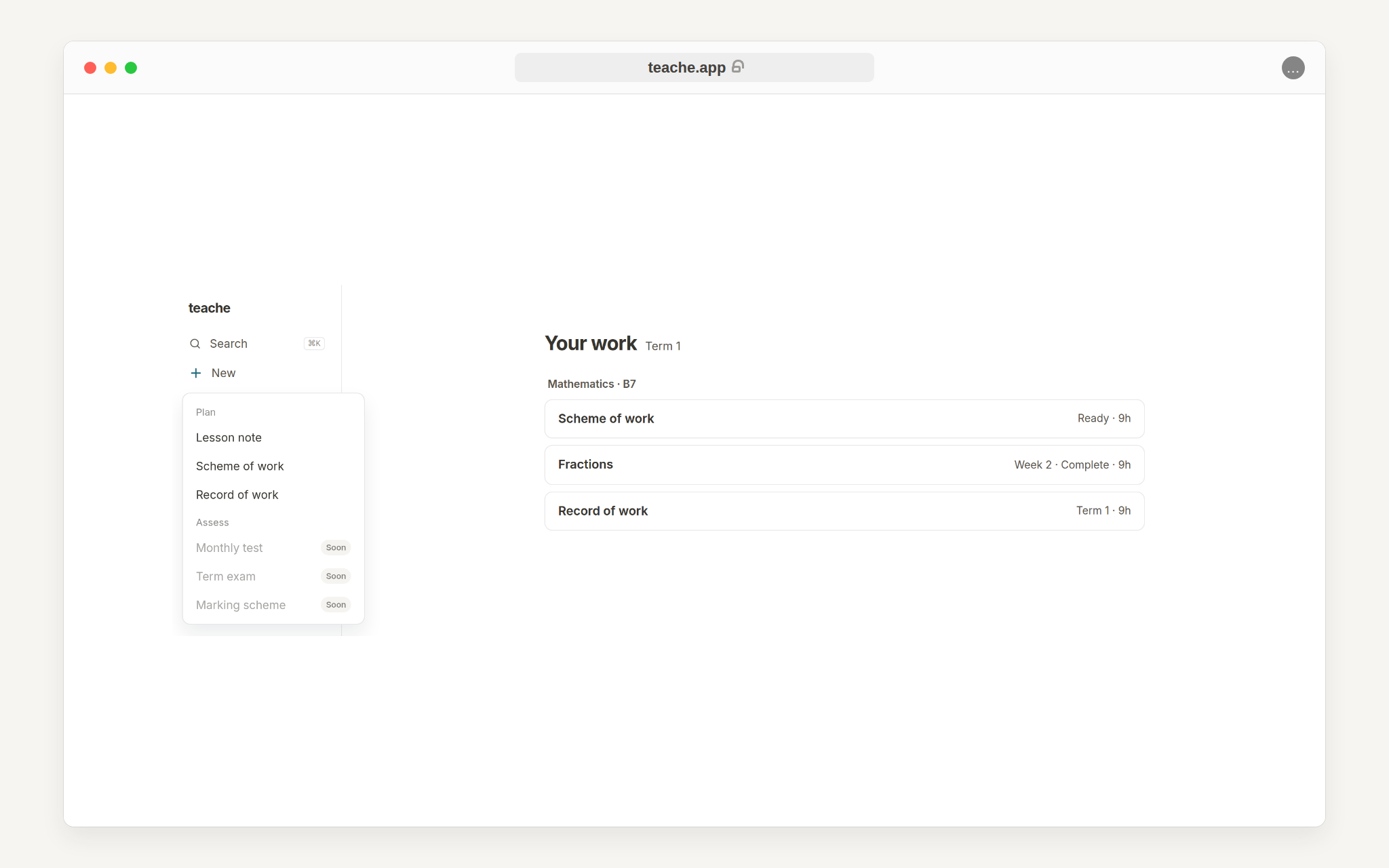
From the sidebar, click New. Under Assess, choose Practice test for a short sheet or Class test for a longer paper. The menu shows the starting price of each.
On a phone there is no sidebar. Tap the round + button in the bottom-right corner, which opens the same list.
2. Pick the class
Under Which class?, choose the class the test is for. The list is the classes you have set up, so if one is missing, add it to your classes first.
3. Choose how many questions
Under What is on the paper?, set the number of questions. Where the paper has a multiple choice part, you set two numbers: Section A for the multiple choice questions and Section B for the written ones. The line underneath says the range for your subject and class, and the number that is usual. The price changes with the length, and it is shown before you click Continue.
4. Choose what it covers
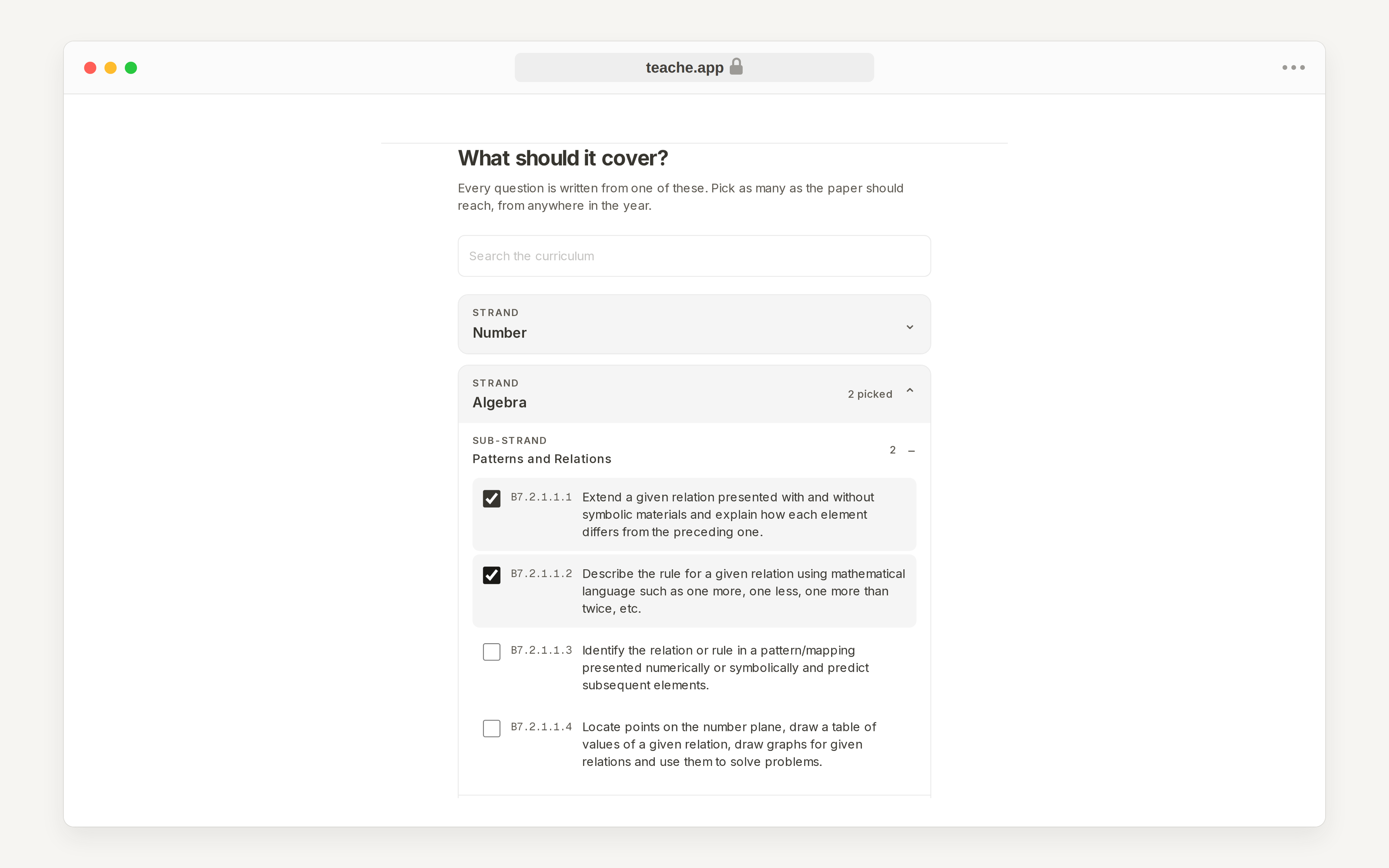
Under What should it cover?, open a strand and a sub-strand and tick the indicators the test should reach. You can pick from anywhere in the year, or search the curriculum by word. Then click Continue with the number of indicators you picked.
5. Check what you will get
What you will get sums up the paper: each section and its marks, the number of questions, the time allowed and the price in credits beside your balance. The answer key comes with it for free.
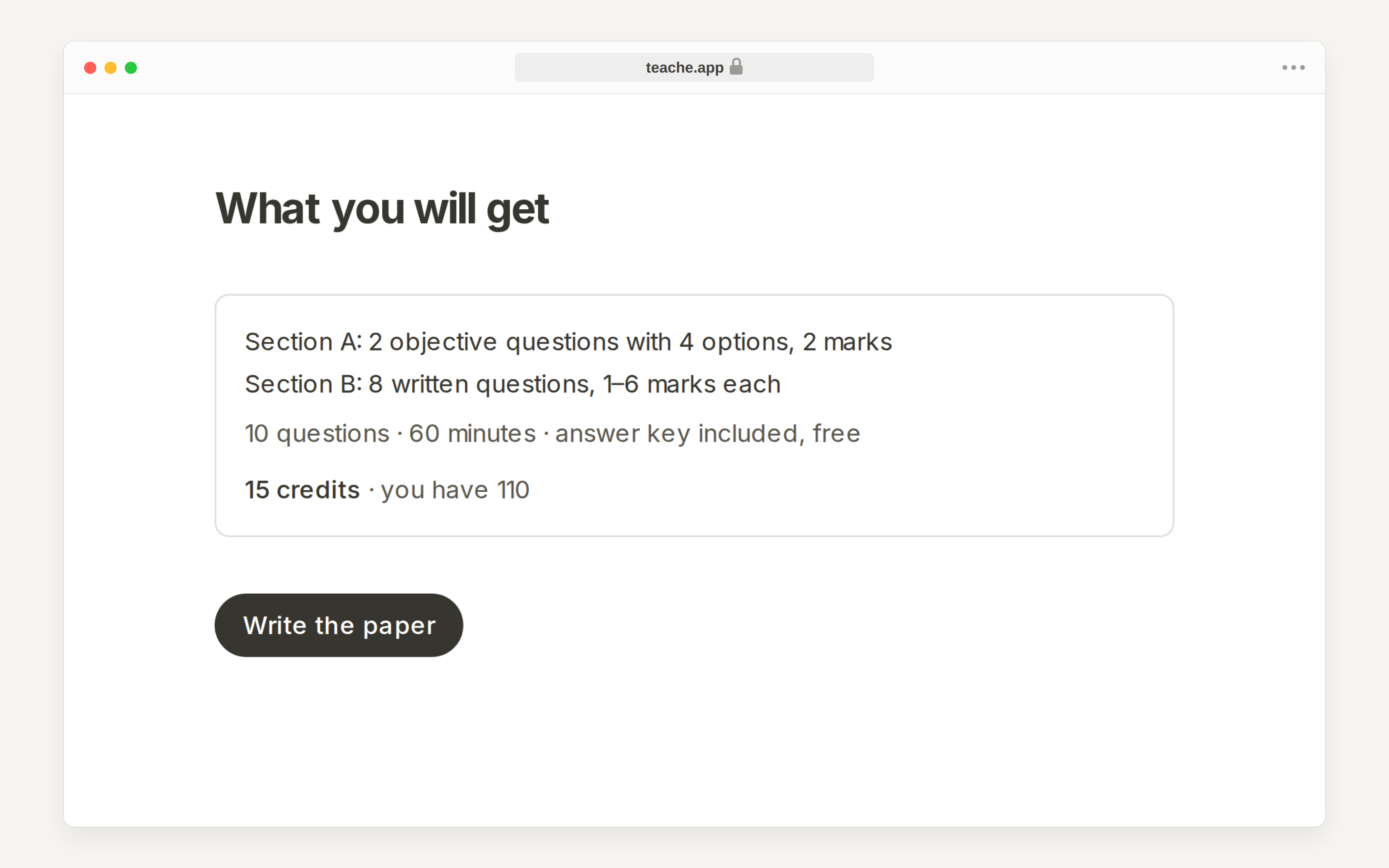
If anything is wrong, click Change beside any answer above it. When it is right, click Write the paper.
6. Wait a minute or two
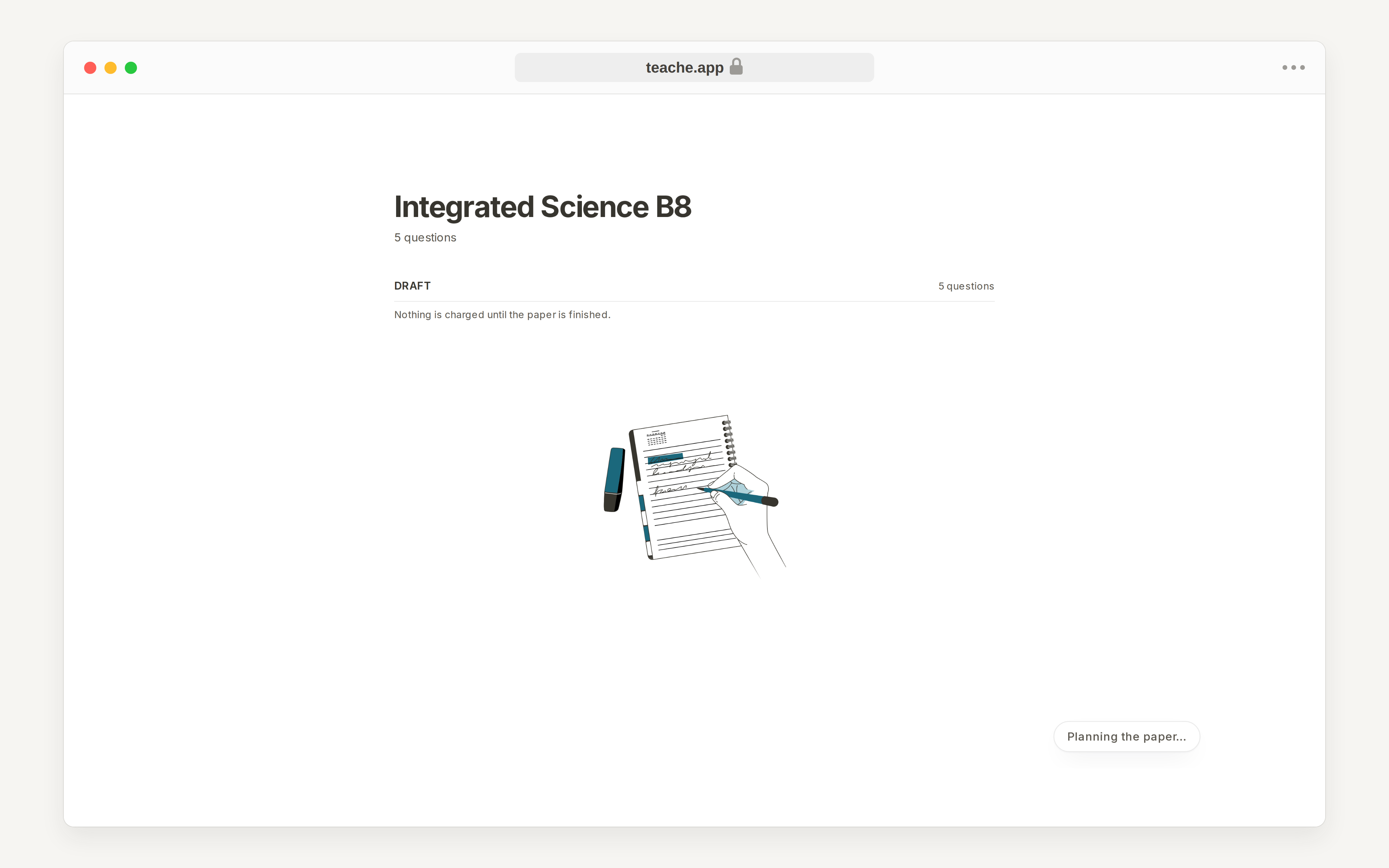
The questions appear together when the paper is ready, usually after a minute or two. The line in the bottom corner says what is happening while you wait.
7. Read it, edit it, download it
The finished paper opens with the correct option ticked and each written answer under its question. Read it through before it goes in front of your class, and click Edit to change a question, its options or its answers. Editing a paper you have already made is free.
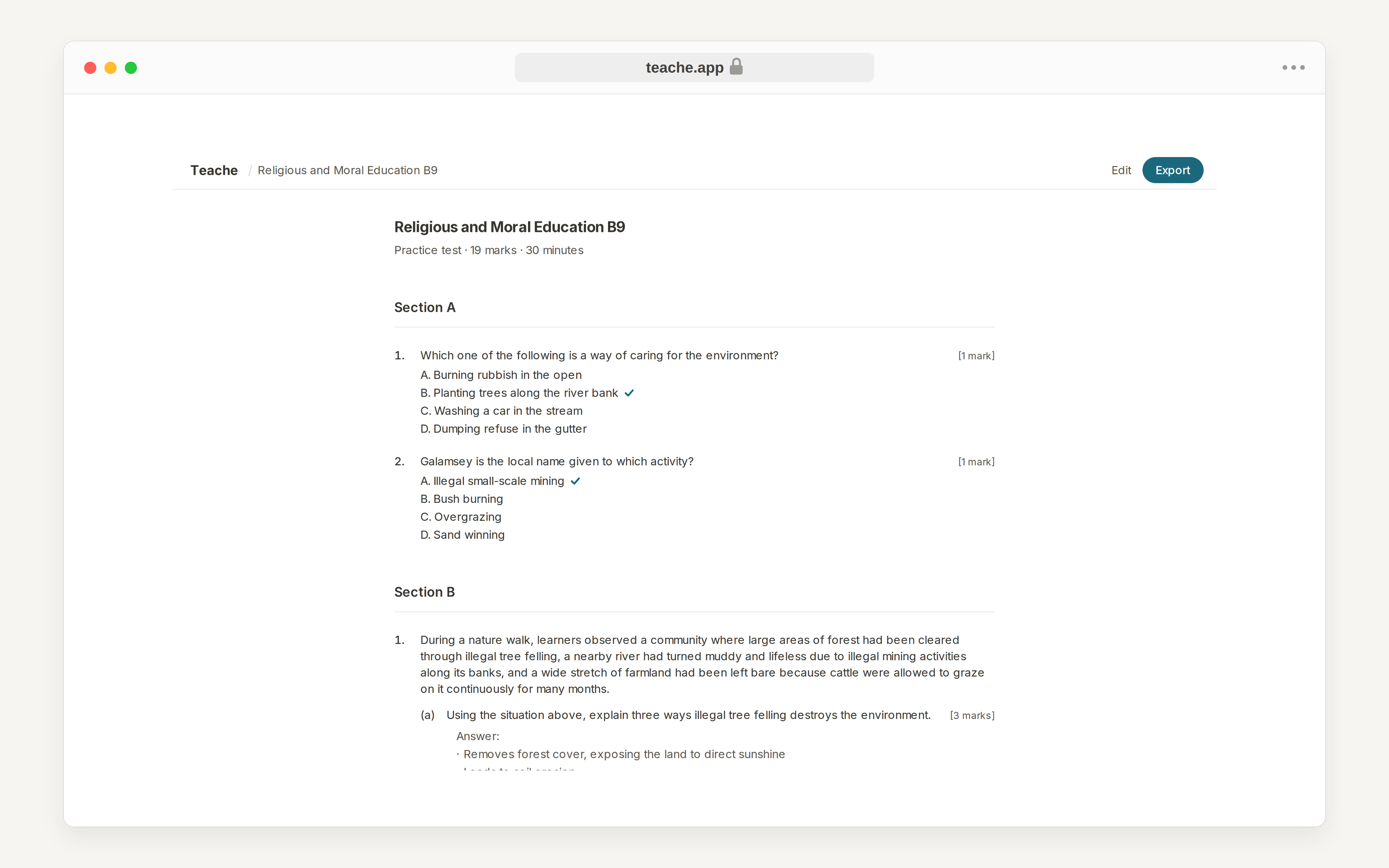
When it is ready, click Export. Choose Download question paper for the copy your learners write on, and Download marking scheme for the copy you mark with.
What each paper costs is set out in understand credits.