Make a KG lesson note
For a KG 1 or KG 2 class, teache plans the week from the Kindergarten curriculum's themes and topics, and writes a Daily Lesson Plan for each day you teach.
What is different at KG
The steps follow Create your first lesson note. Three things change for a KG class. You pick a topic under a theme, not a strand. You tell teache this week's sound for Phonics. And the note prints as one Daily Lesson Plan for each day, with Circle Time and group activities.
You need a KG class added. On Classes, click Add a class, choose Kindergarten (KG 1-2), then KG 1 or KG 2. The last box sets the key words: English only, or English with your Ghanaian language.
1. Start a note and pick the topic
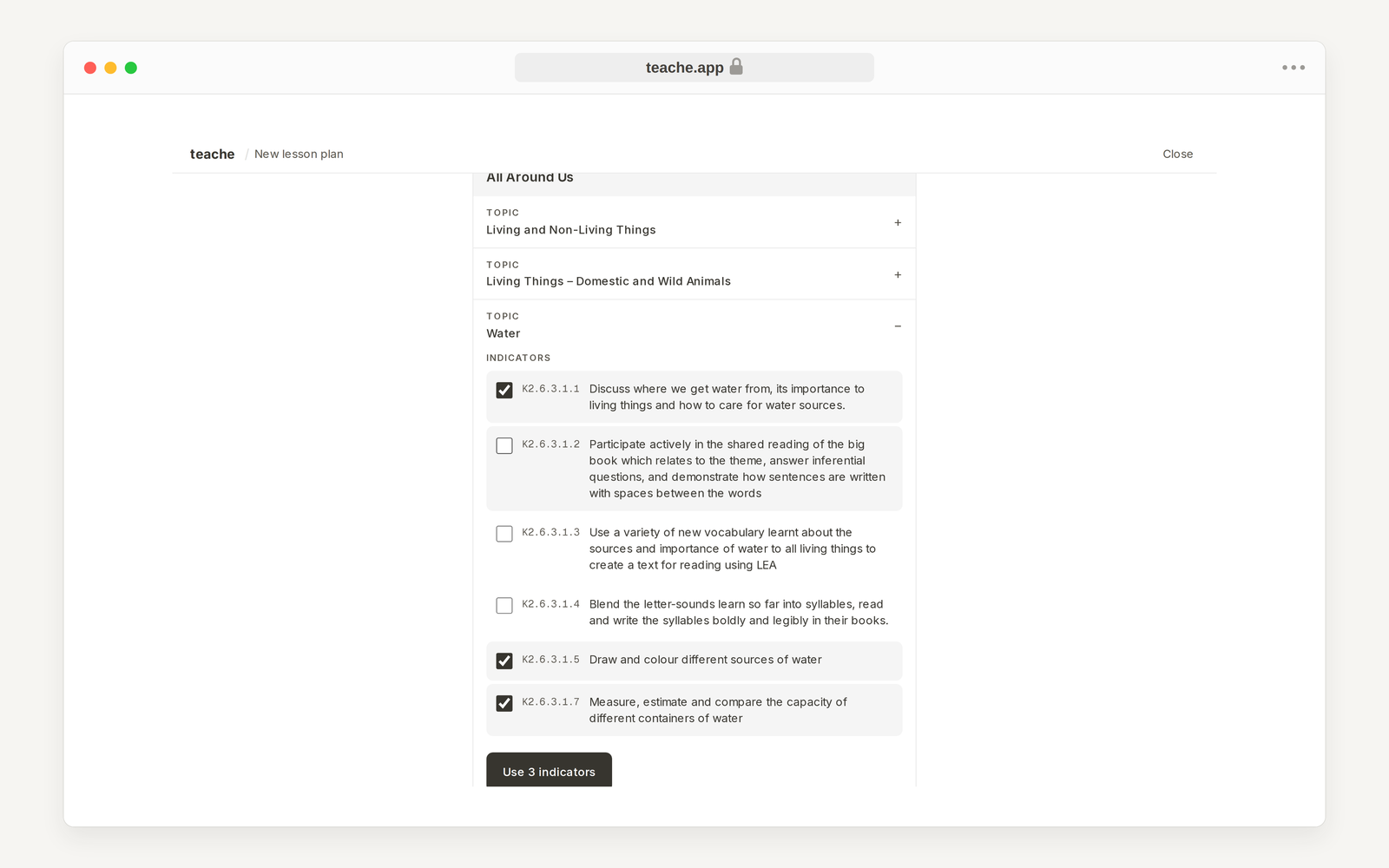
Click New, then Lesson note, and choose your KG class. Click Choose from curriculum, open the topic for the week, and tick the indicators you will cover. Then click Use 3 indicators (the number follows what you ticked).
2. Choose the days
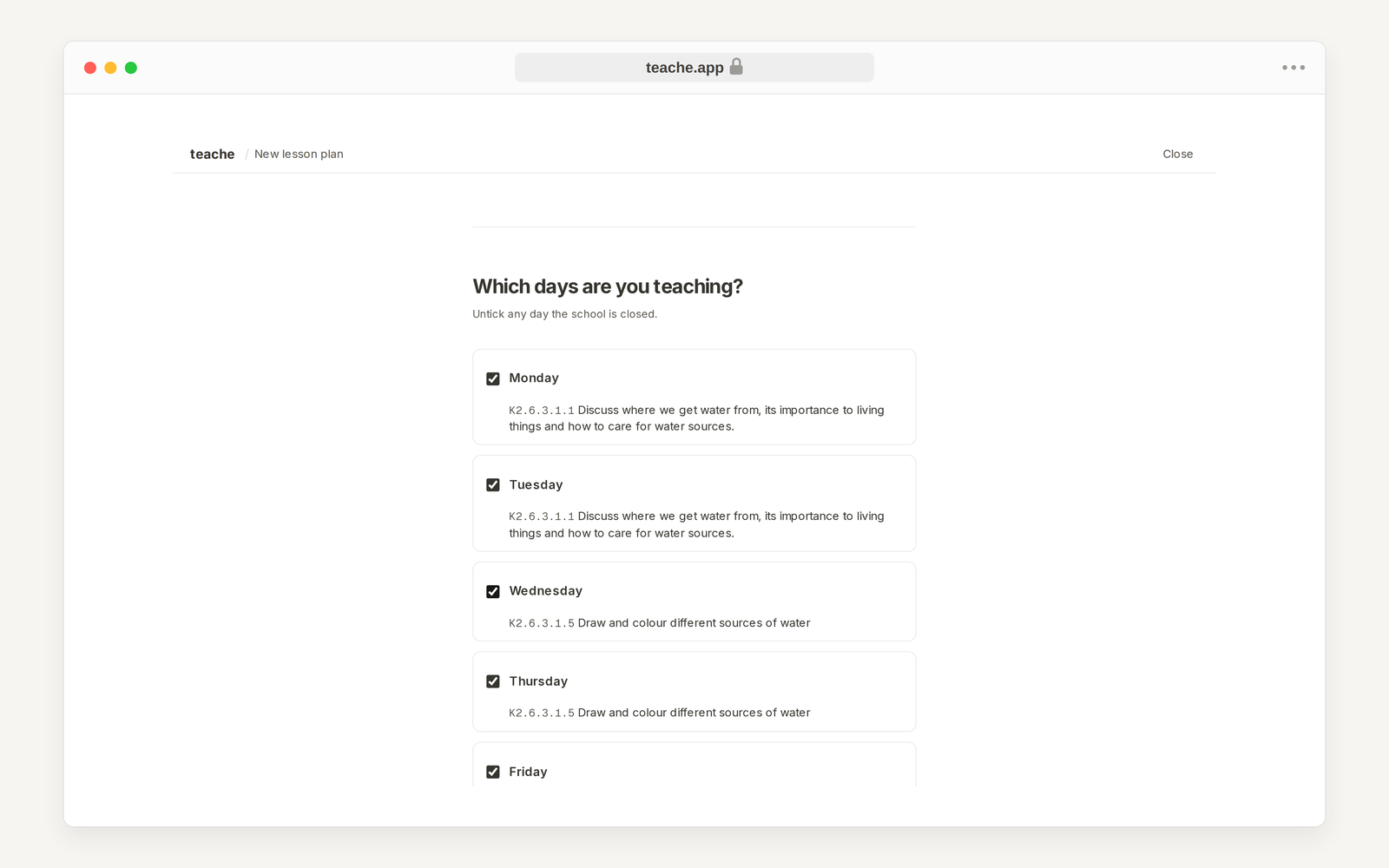
Under Which days are you teaching? teache spreads the indicators across Monday to Friday. Untick any day the school is closed, such as a holiday, then click Continue.
3. Give this week's sound
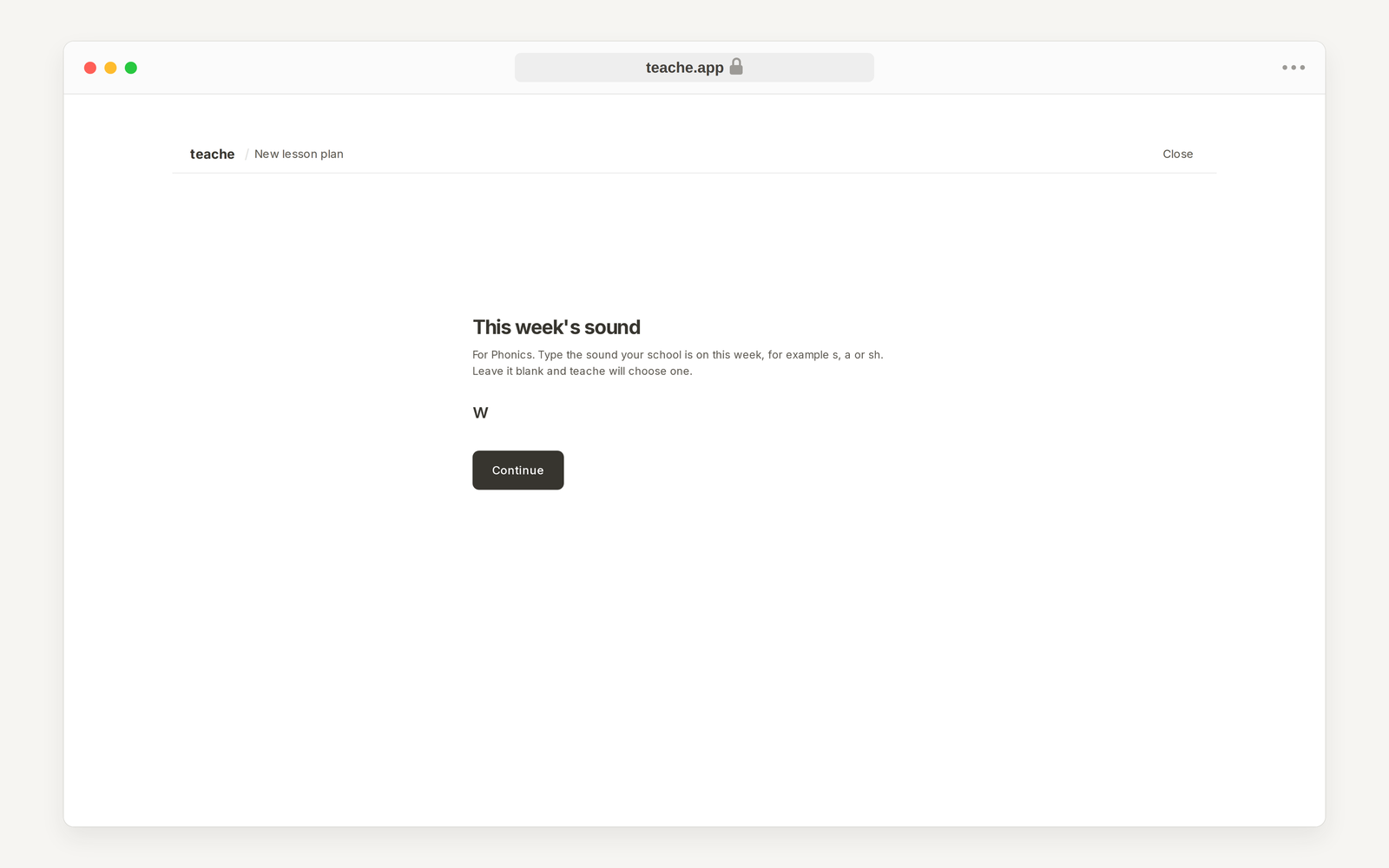
Type the sound your school is on this week, for example s, a or sh, and click Continue. The Phonics part of each day uses it. If you leave the box empty, click Let teache choose.
Add extra guidance? comes next and is optional. Type anything the note should use, or click Skip.
4. Create the note
Under Review your week, check each day and the sound. Then click Generate the note to have every day written, or Build it with me to go part by part, one day at a time.
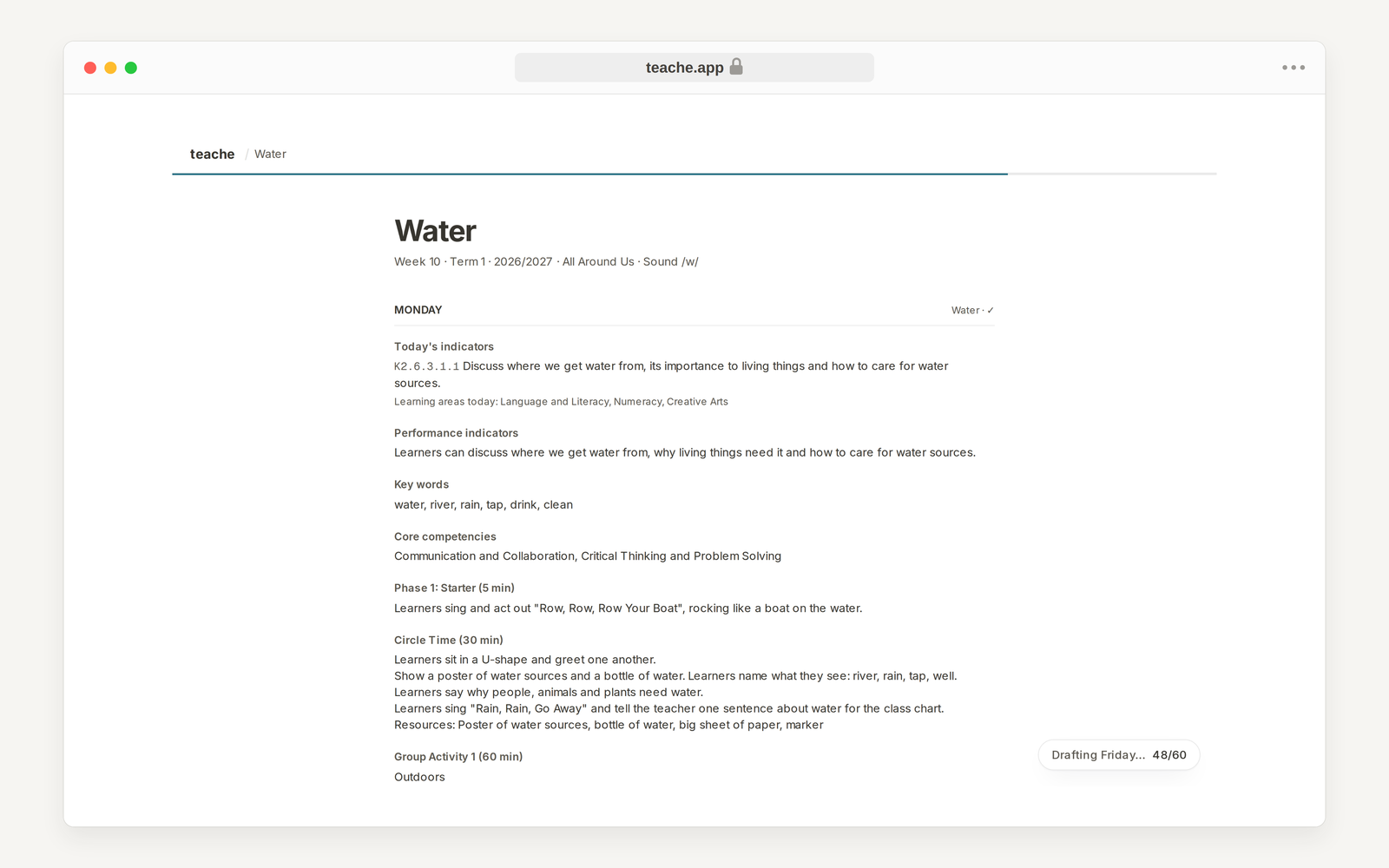
A KG week is long, so writing takes a few minutes. The note opens straight away and fills in day by day; the label at the bottom right shows which day is being drafted. You can leave the page and come back.
5. Preview and print
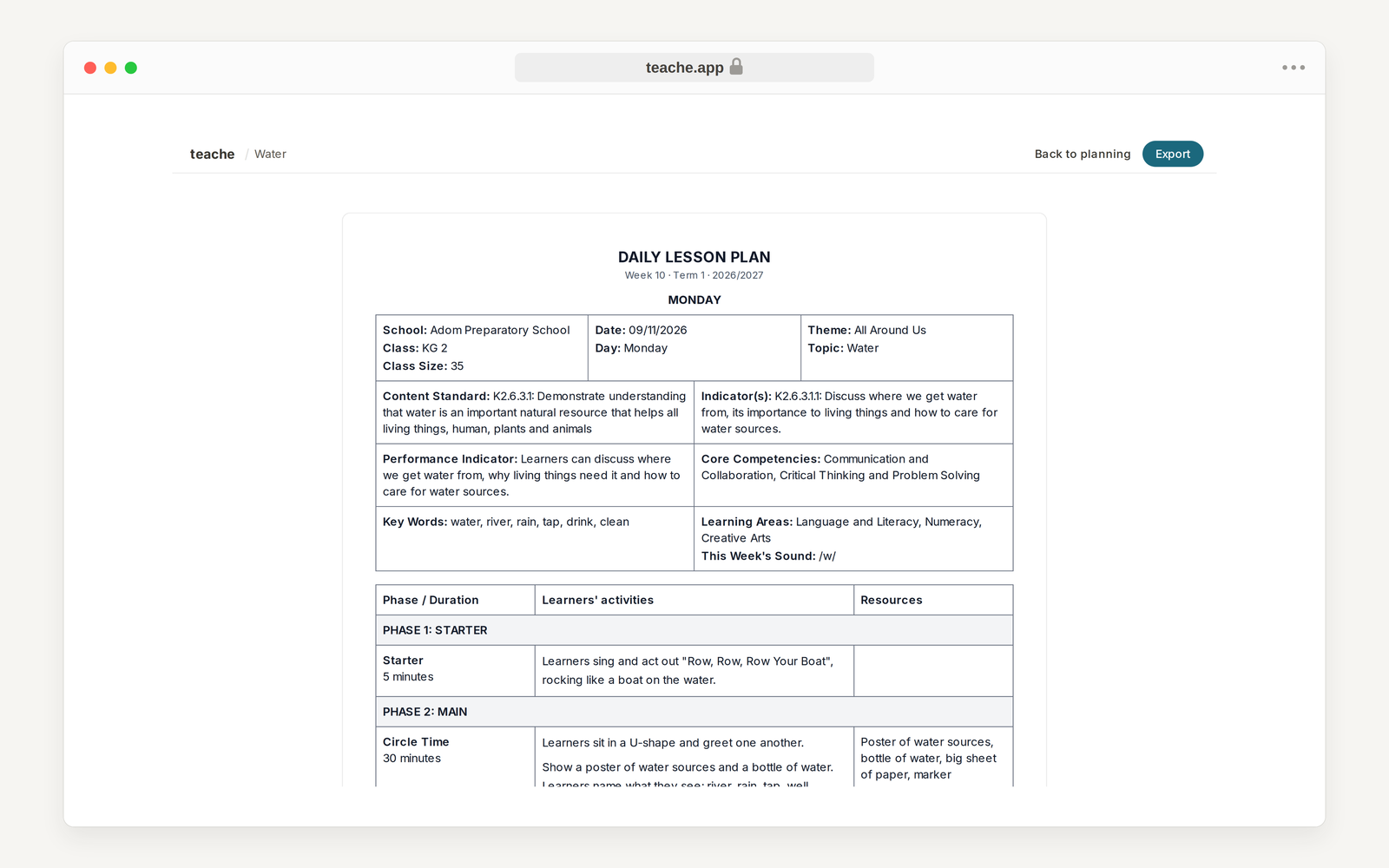
Click Preview. Each day prints as its own Daily Lesson Plan, with the school, class, date, theme and topic on top, then the content standard, indicators, key words, learning areas and the week's sound, then the day's activities by phase. Export gives you Download .docx, Download .pdf and Print.
In the mobile app
The questions are the same and come in the same order. Tap the New button on Home, then Lesson note. The app always writes the full note; Build it with me is on the website only.
Next in Lesson notes: Make an SHS lesson note