Use the record of work
The record of work is built from the lesson notes you created, then left editable so it can reflect what was actually taught.
Before you start
The record of work does not start from a blank table. It reads your lesson notes for the selected class and term. If the record is empty, create the relevant lesson notes first.
1. Open the record
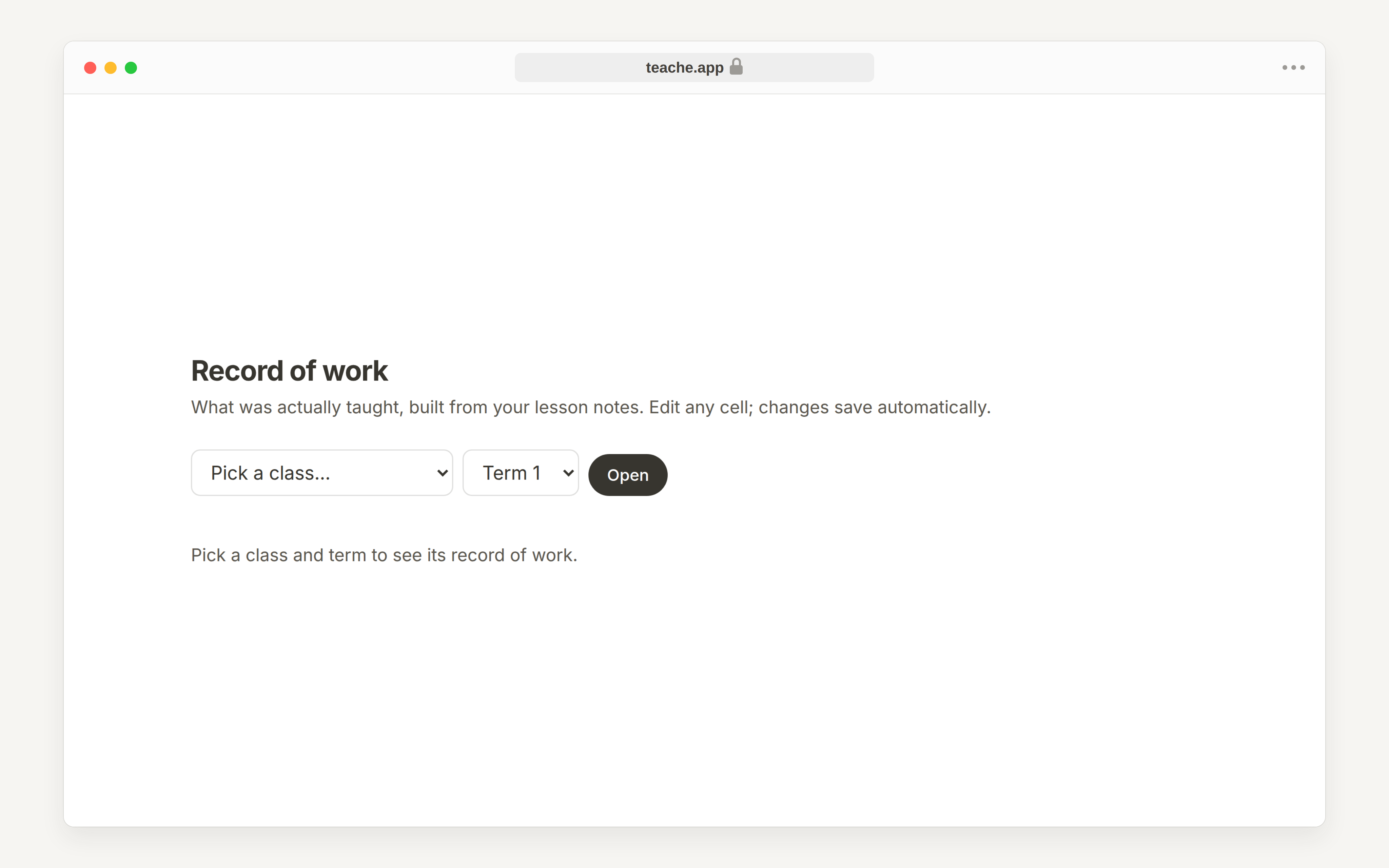
From New, choose Record of work, or open it from your dashboard. Pick the class and term, then click Open.
On a phone there is no sidebar. Tap the round + button in the bottom-right corner, which opens the same list.
2. Check work covered
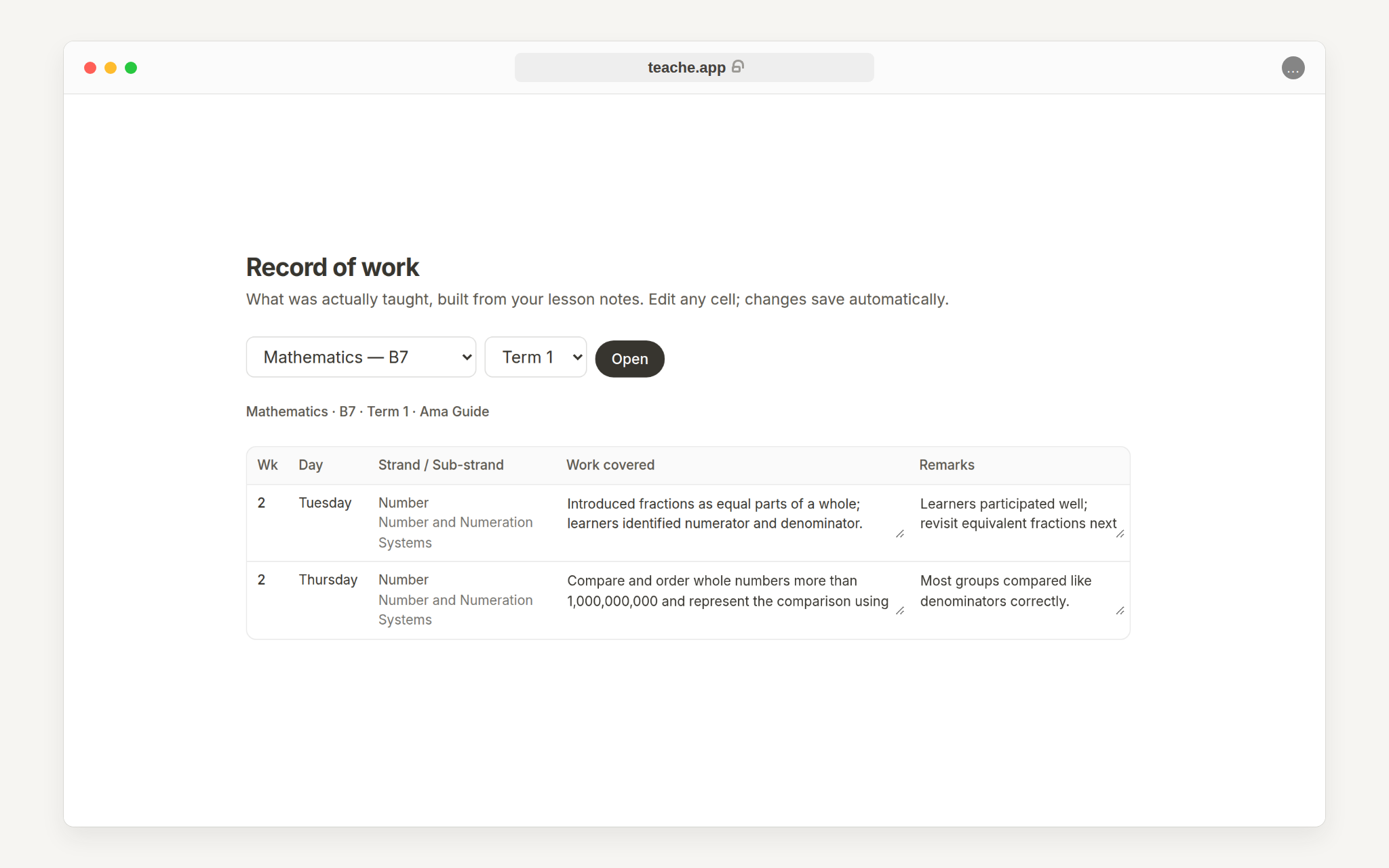
teache fills Work covered from the indicators in each lesson. If the actual lesson went differently, click the cell and type what you really covered.
The table is wider than a phone screen, so on a small screen swipe it sideways to reach Work covered and Remarks. The Day and Strand columns are what you see first.
3. Add remarks after teaching
Use the Remarks column for short post-lesson notes, for example that learners need more practice or that the lesson was completed successfully. Changes save automatically when you leave the cell.
Need to prepare the note first? Start with create your first lesson note.