Update school and term details
School and term settings control the headers and defaults used when teache prints documents.
Open Settings
Click your name at the bottom of the sidebar, then choose Settings. Scroll to School & term.
On a phone, tap teache at the top left to open the menu. Settings is in there, below Home and Classes, along with your credits, support and log out.
Update school details
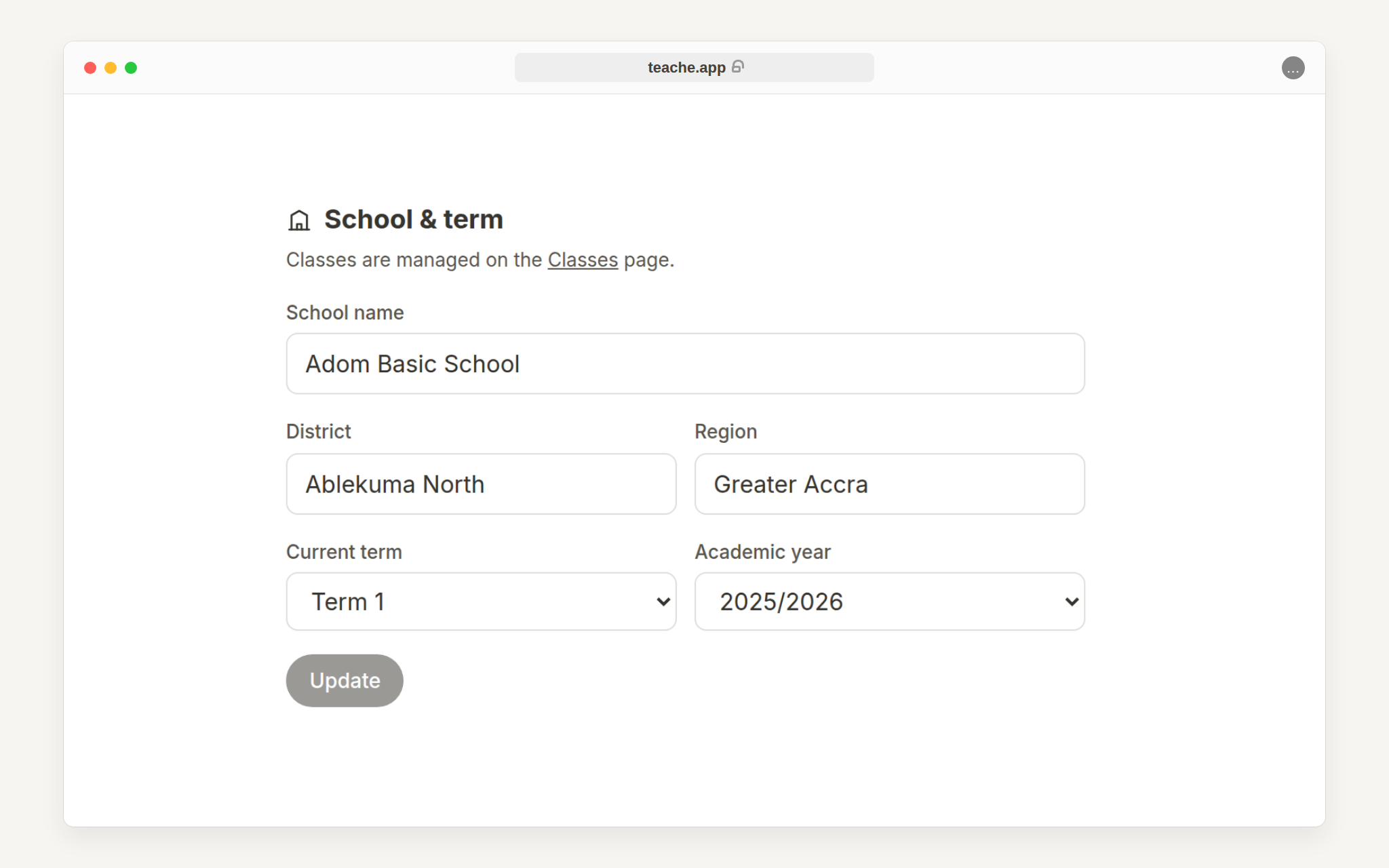
Edit School name, District and Region exactly as you want them to appear on printed documents.
Set the current term and academic year
Choose the current term and academic year. New lesson notes use these values as defaults, and printed documents use them in their headers.
Current term also has an Automatic setting, which works the term out from the date against the GES calendar. Leave it on Automatic and you never have to remember to change it; pick a term by hand only when you want to override what the calendar says.
Save before creating new documents
Click Update after making changes. If you already have a note open, refresh or reopen the document after saving so the latest settings are used.
Need class setup too? Read set up your classes and subjects.