Edit, download and print a scheme
Once a scheme exists, review the term table, adjust the resources column, and export the copy your school needs.
Open the scheme
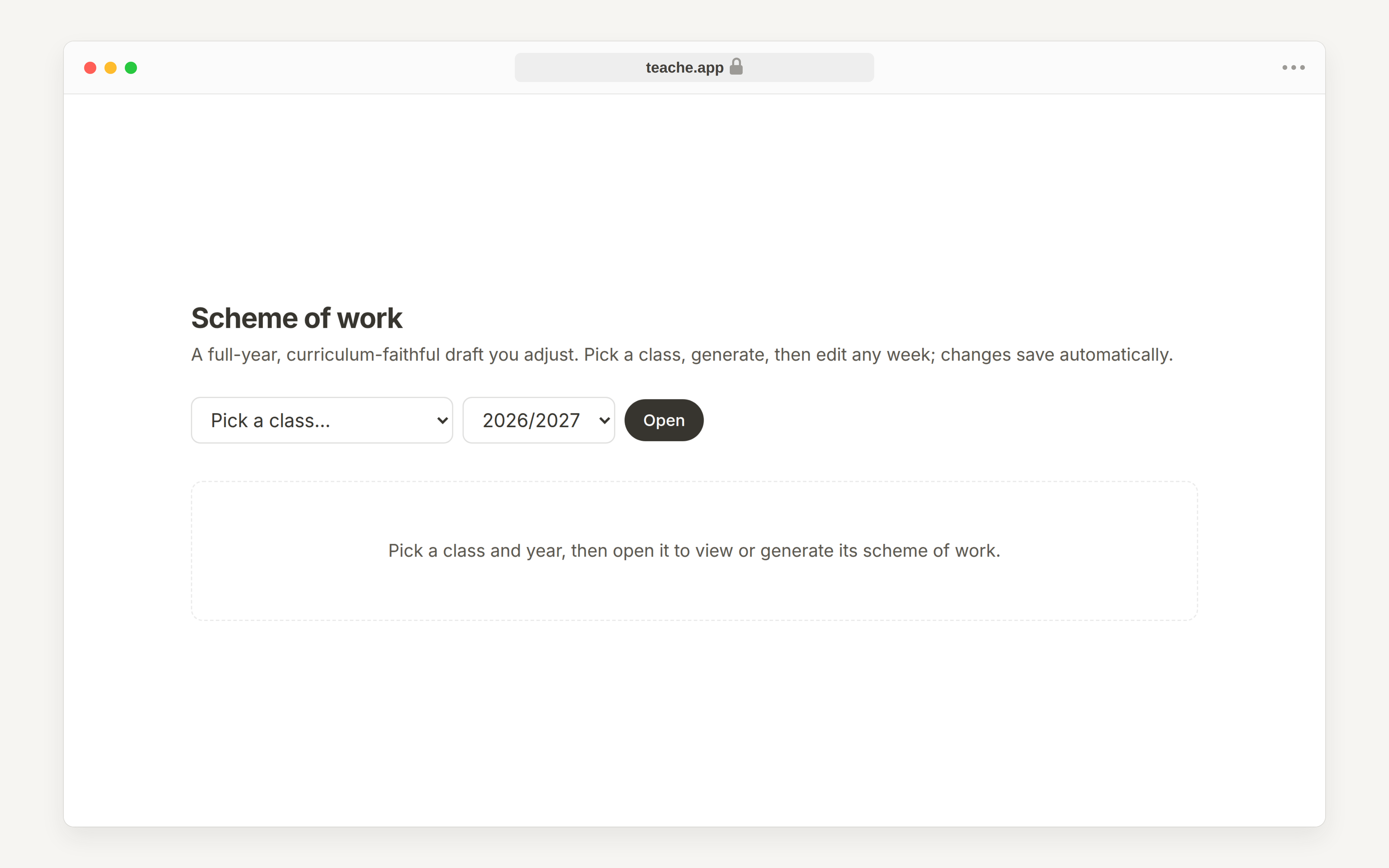
Open Scheme of work, choose the class and academic year, then click Open. If the scheme already exists, teache shows the term table immediately.
Move through the term tabs
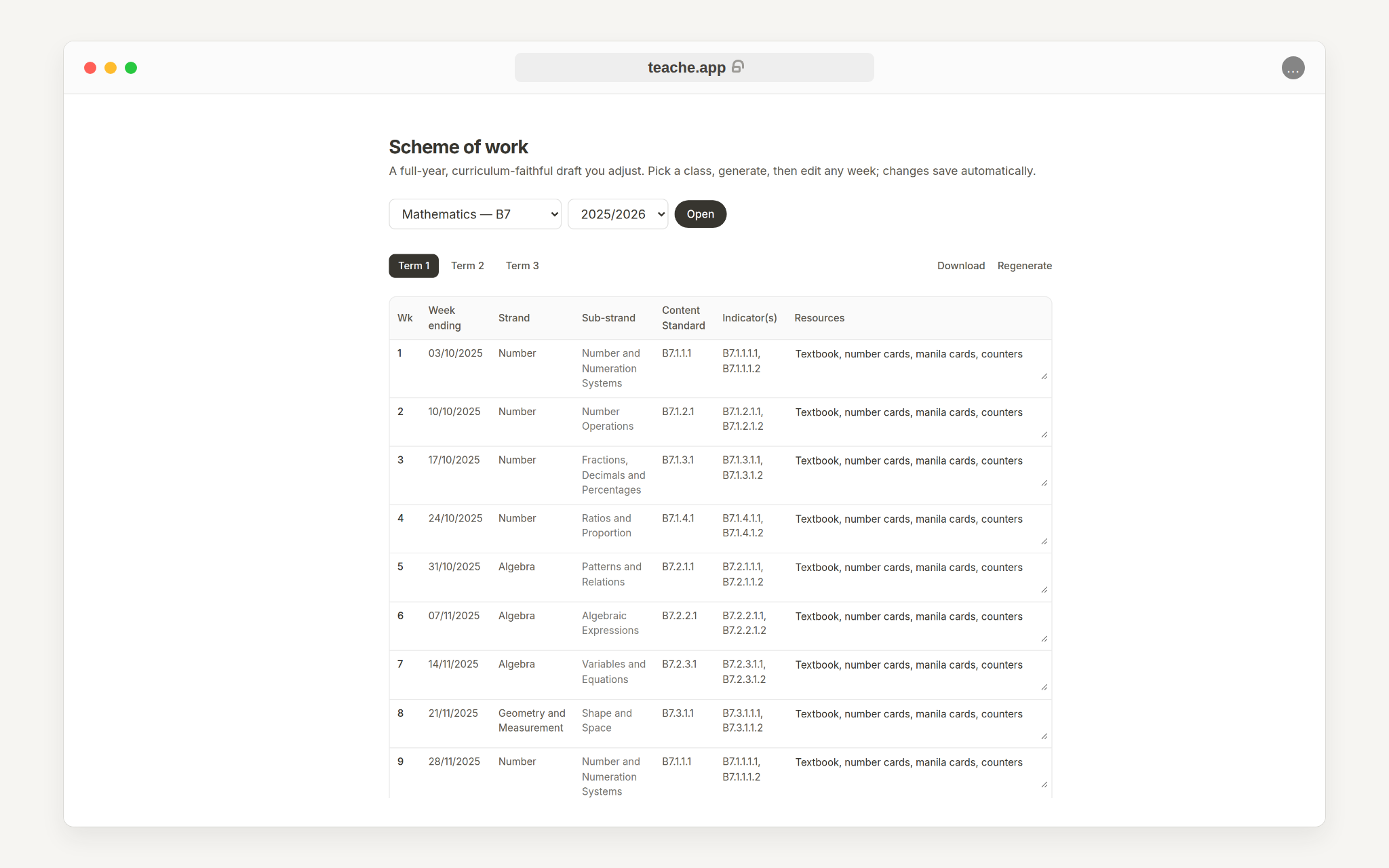
Use Term 1, Term 2 and Term 3 to review the whole year. Teaching weeks show strands, sub-strands, standards, indicators and resources. Revision and exam weeks are marked separately.
The table has seven columns and is wider than a phone screen, so on a small screen swipe it sideways to reach Resources at the far right.
Edit resources
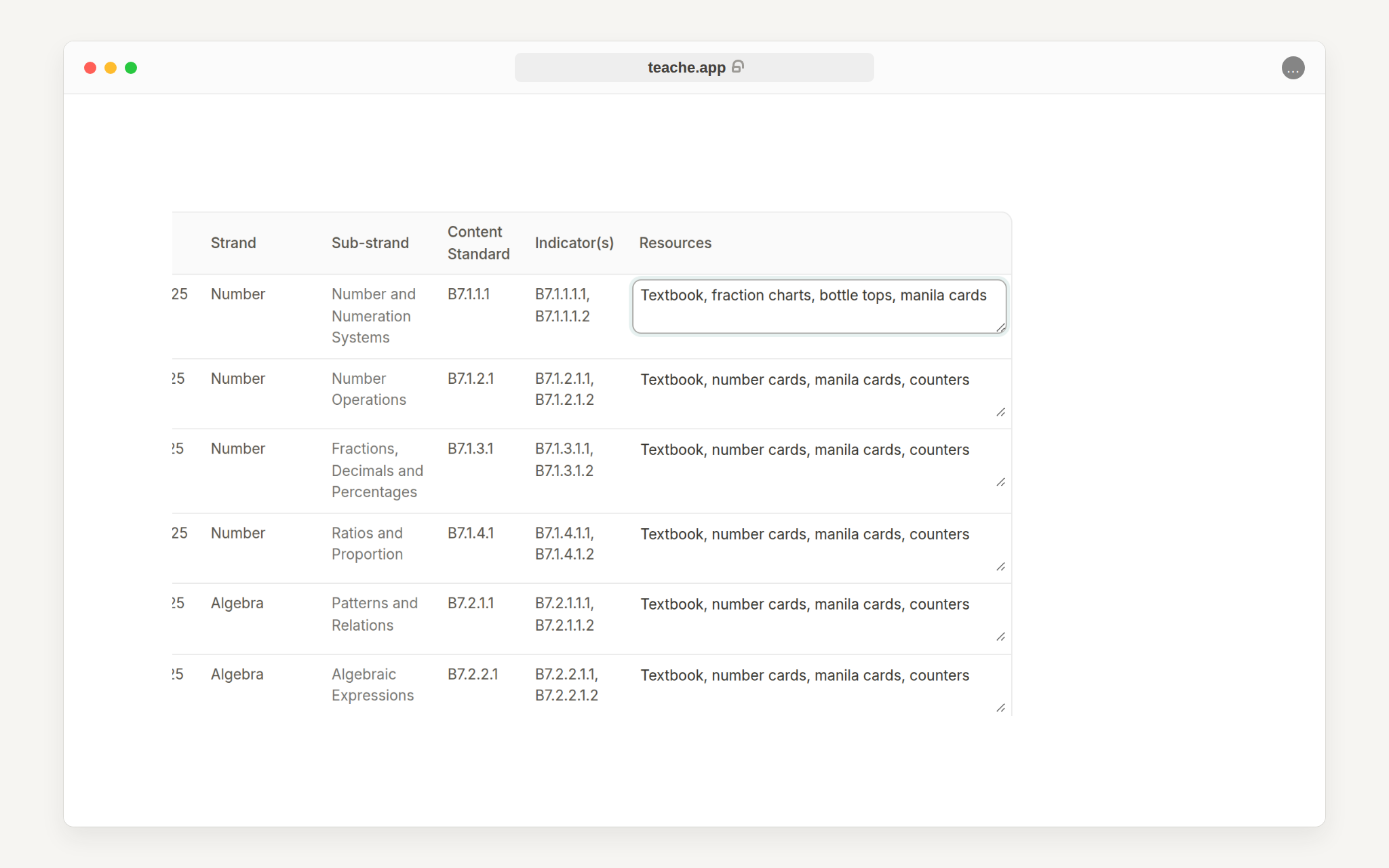
Click inside the Resources cell for any teaching week and type the materials you actually plan to use. Changes save when you leave the cell.
Download
Use Download when the term is ready for a soft copy. A class gets one scheme per academic year, and your edits stay yours — the scheme is never regenerated over the top of them. Keep shaping it week by week instead.
Need the class list first? Read set up your classes and subjects.