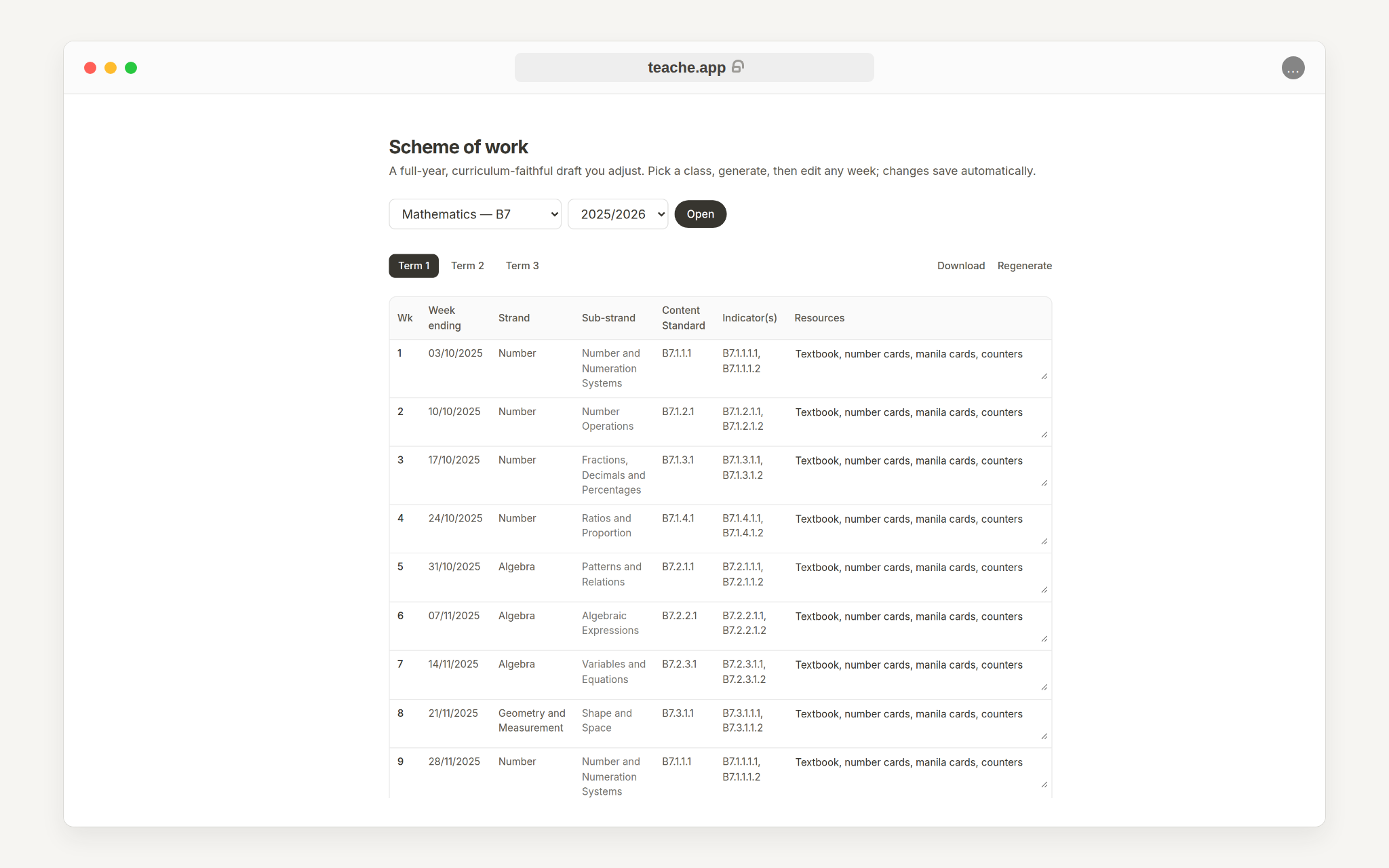
Create a scheme of work
Generate a curriculum-paced scheme for one class and academic year, then review each term before you submit it.
1. Open Scheme of work
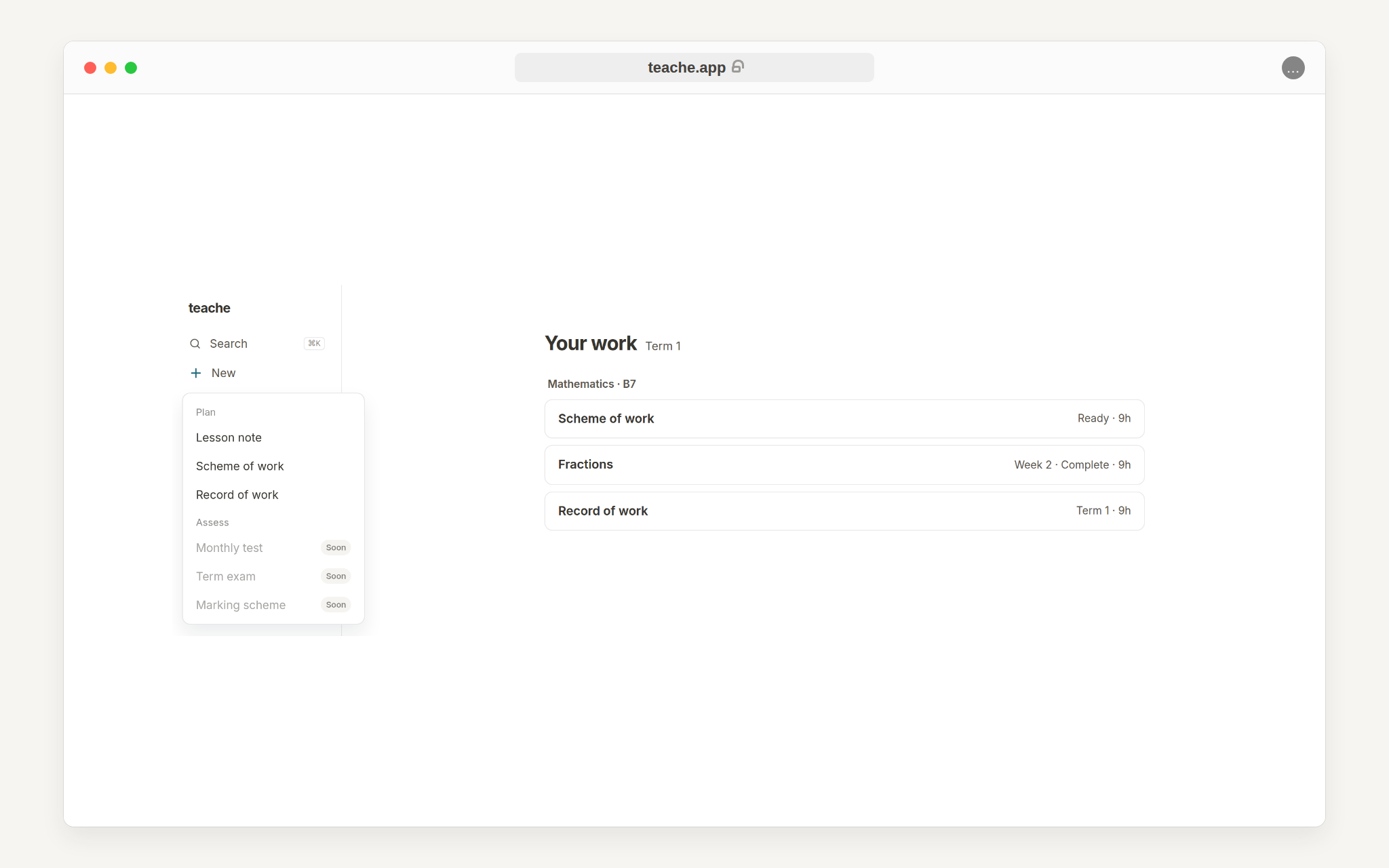
From the sidebar, click New, then choose Scheme of work. You can also open Scheme of work from an existing dashboard row when one already exists for that class.
On a phone there is no sidebar. Tap the round + button in the bottom-right corner, which opens the same list.
2. Pick the class and academic year
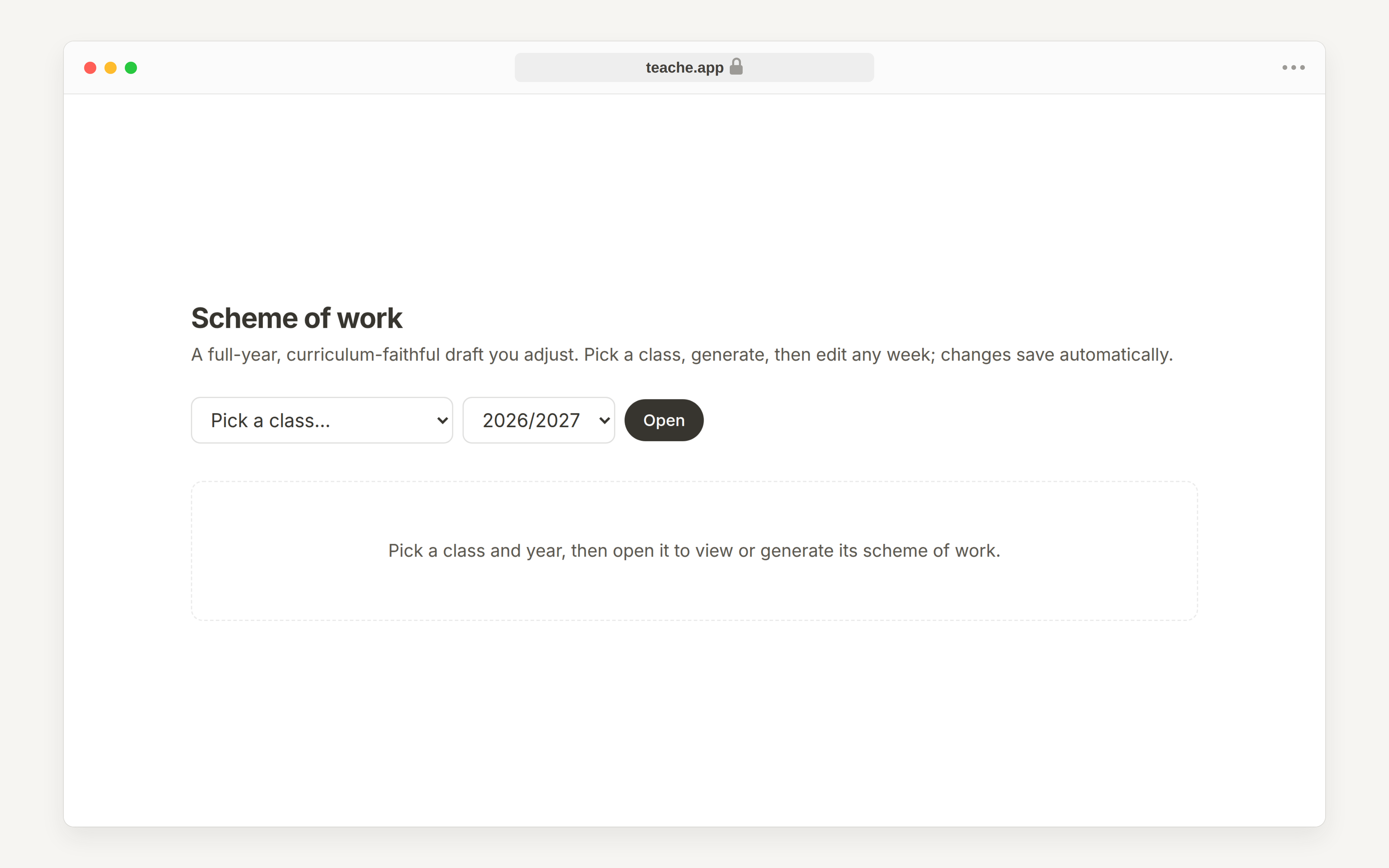
Choose the class you want to plan for, then choose the academic year. The academic year matters because teache uses it to date the term weeks and place revision and examination weeks.
3. Generate the full-year draft
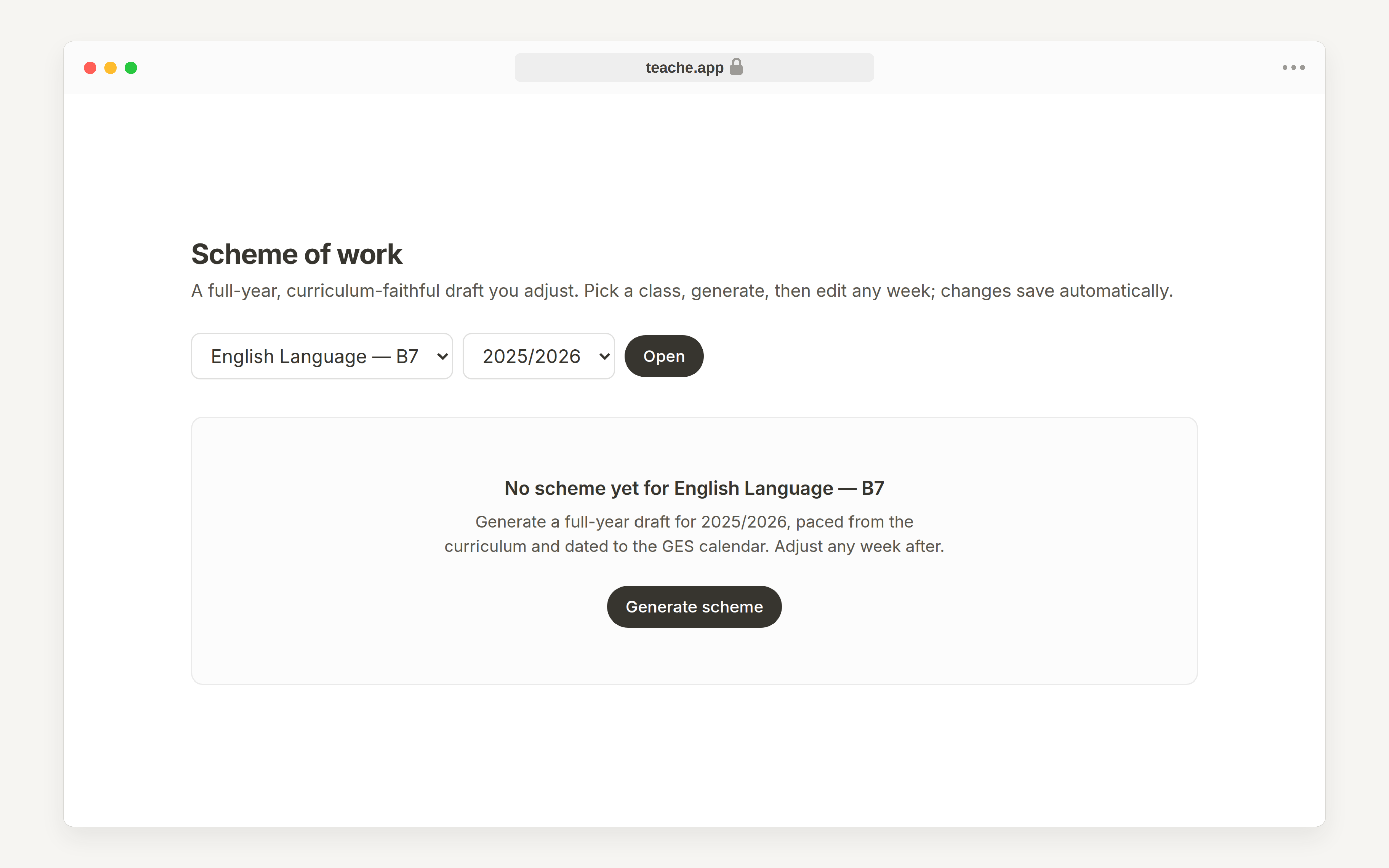
If there is no scheme yet, click Generate scheme. teache reads the seeded NaCCA curriculum for that subject and class, paces the strands across the year, then splits the result into terms.
4. Review term by term
After generation, use the Term 1, Term 2 and Term 3 tabs to move through the year. Review week endings, strands, sub-strands, content standards, indicators and resources.